Kyle Andrew Dumipnas
AI Automation Engineer & SaaS Developer
I design and build n8n and GoHighLevel automations, and the backend services that run behind them: Python, FastAPI, and Node.js. Modular demos, built with the same concepts and technologies used in production, demoed on video.
Built with

Selected work
Modular demos: 4 automations in n8n and GoHighLevel, built with the same concepts and technologies used in production.
How an automation gets built
Same process on every project, whether it's n8n or GoHighLevel underneath.
-
map-workflow
Walk the manual process end to end: the tools, the handoffs, the steps someone repeats every day.
-
build-automation
Triggers, logic, and error handling in n8n or GoHighLevel, version-controlled and not a black box.
-
ship-and-handoff
Runs in production, documented, with a clear owner for changes after I'm gone.
About
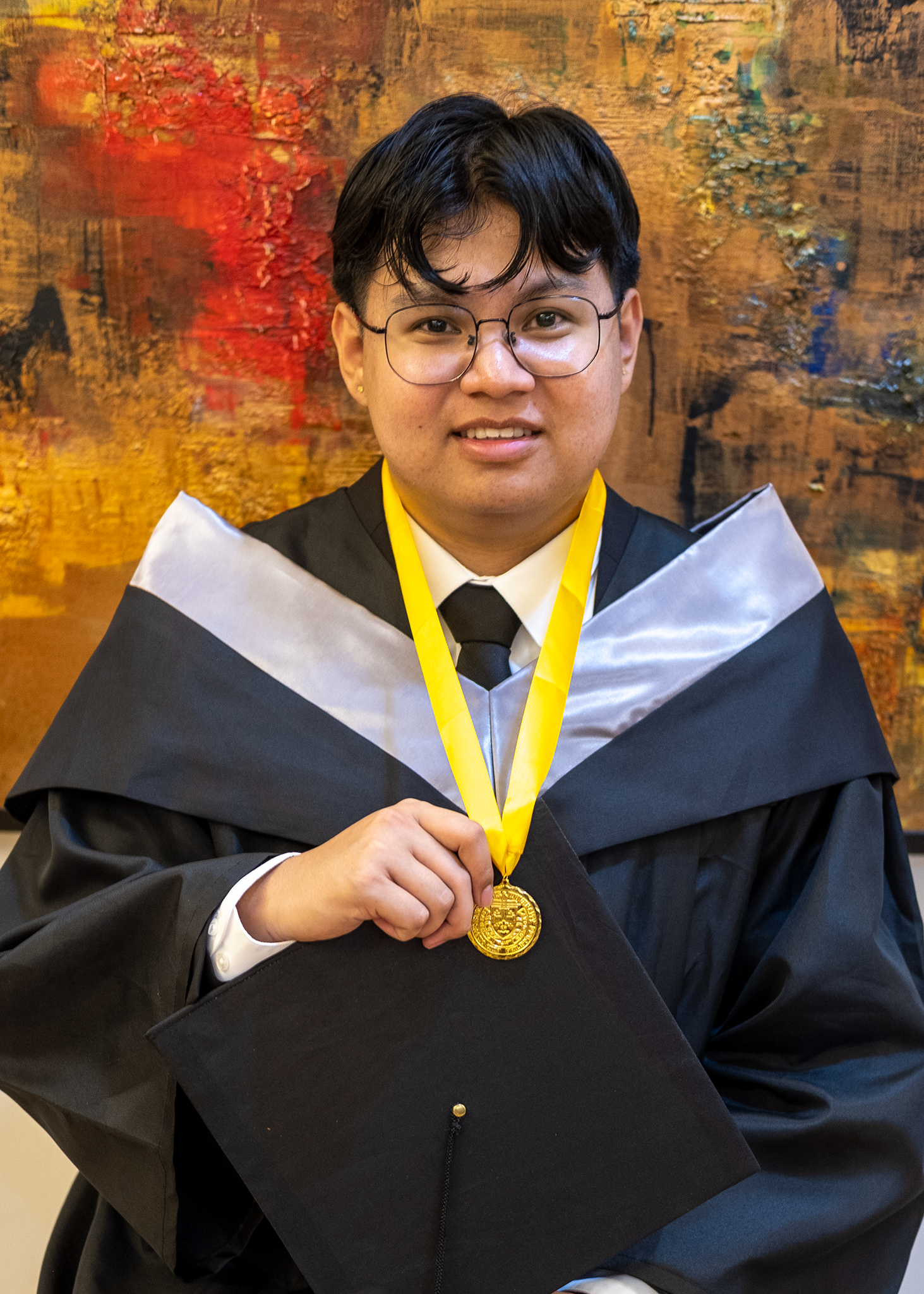
I build automation systems on n8n and GoHighLevel, the kind that quietly do the repetitive work so people don't have to. Most of what's below started as a manual process someone was tired of repeating: sorting email, copying data between tools, tracking down which workflow changed and when.
When the automation needs more than a workflow canvas can give it (an API, a database, a scheduled job), I build that layer too, in Python, FastAPI, or Node.js, containerized with Docker and backed by Supabase or SQL.
Each project on this page is a modular demo, built with the same concepts and technologies used in production systems. If something here is close to a problem you're carrying, that's a good place to start a conversation.
Professional experience
career.log: most recent first.
-
Software Developer
[June 2024 → June 2025]
Kaizo IT Solutions (Messaging Automation SaaS)
- Contributed to a SaaS product that automated outbound customer messaging, working across a Python/FastAPI backend and React frontend.
- Developed and maintained REST API endpoints in FastAPI supporting message scheduling and delivery features.
- Built React UI components that enabled users to configure and monitor automated messaging campaigns.
What clients say
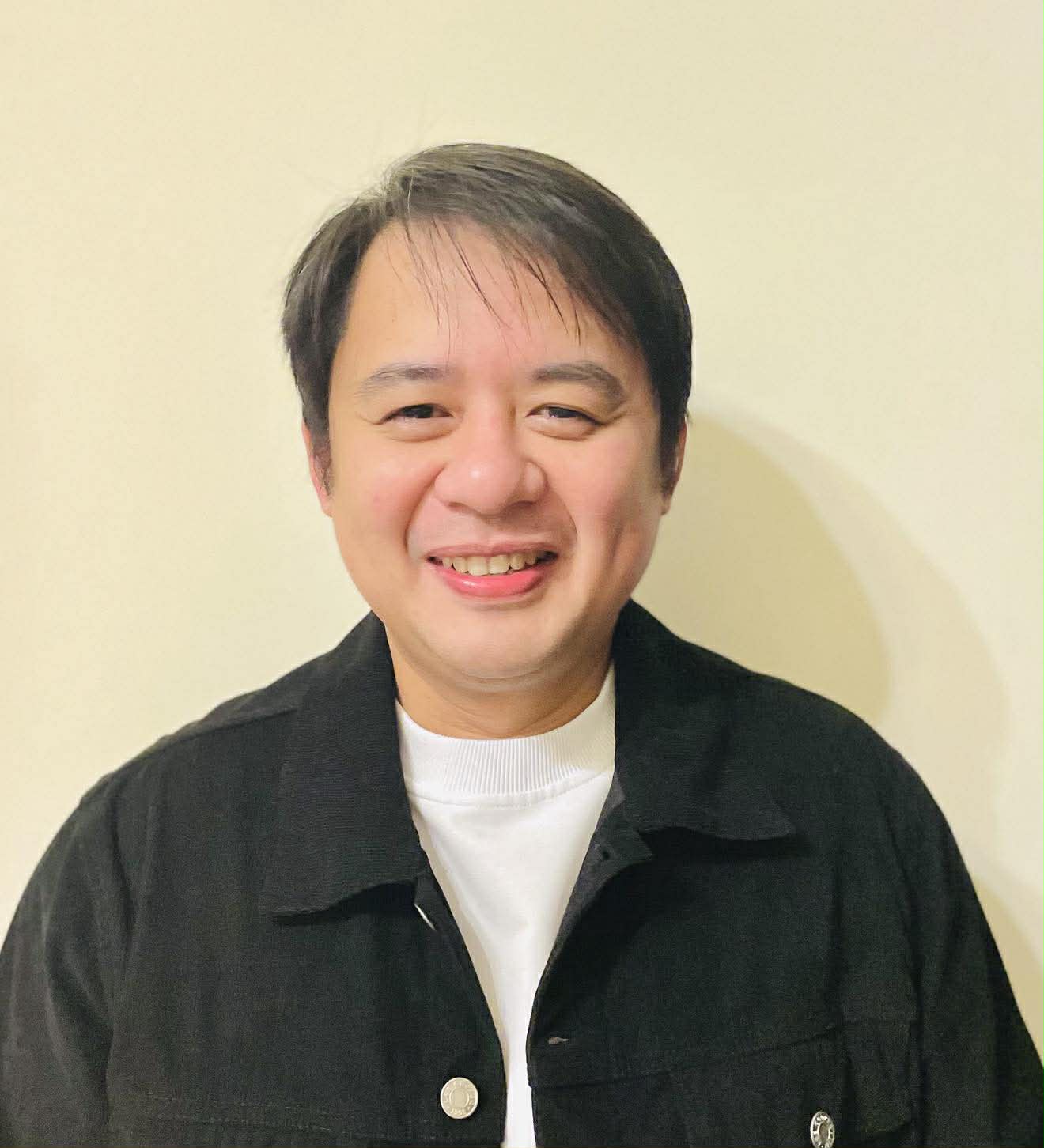
I worked with Kyle. He is very attentive to detail and ensures that he meets clients' expectations.
Let's build your next automation.
Tell me what's eating your team's time. I'll tell you whether it's a good candidate for automation before we get on a call.